
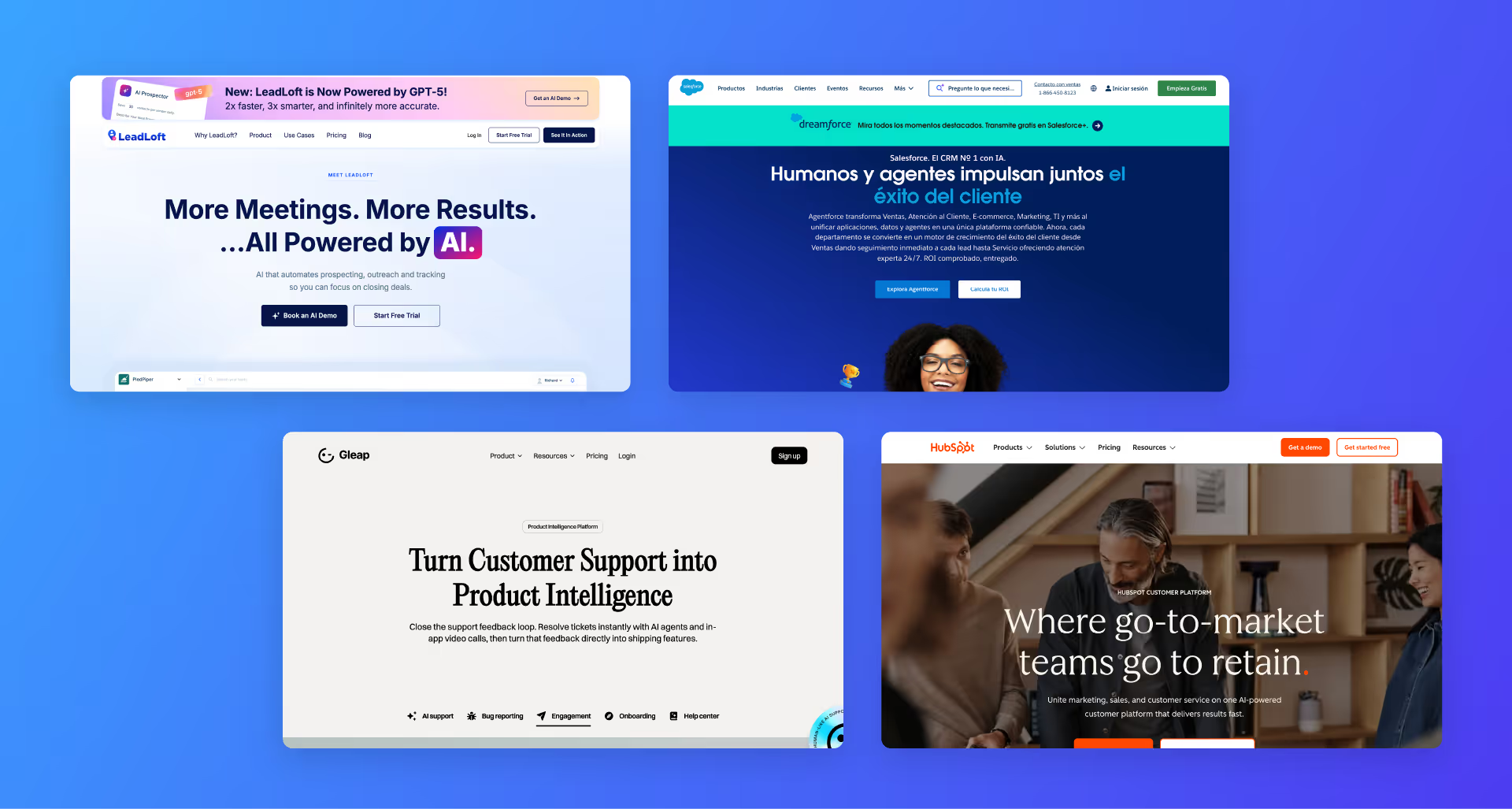
When you hear the term "CRM," what’s the first thing that comes to mind? For many of us, it’s Salesforce. Or maybe you think of HubSpot or Zendesk.
It’s easy to look at these massive software companies and think, "Okay, so a CRM is just a tool I pay for to store my contacts."
But that’s a bit like saying a "kitchen" is just a toaster. While the toaster is a tool, the kitchen is the entire system that allows you to cook a meal. In this guide, we’re going to break down what a CRM actually is, why your team needs one, and how to choose the right type—because not all CRMs are built for the same job.
What is a CRM?
CRM stands for Customer Relationship Management. At its simplest level, it is a strategy for managing all of your company’s relationships and interactions with both current and potential customers.
While most people use the word "CRM" to describe the software they use, it is actually much bigger than that. It’s the process of staying organized so that your customers feel like you actually know them.
Think about it this way: Have you ever called a company and had to explain your problem to three different people? That’s a failure of CRM. A good CRM system ensures that whether a customer talks to Sales, Marketing, or Support, everyone in your company is looking at the same information.
Is a CRM just a database?
No. A database is just a list of names and numbers. A CRM is an active tool. It doesn't just sit there; it tells you who to call next, reminds you when a customer’s contract is about to expire, and tracks how many times someone opened your last email. It turns "data" into "action."
Why do you and your team need a CRM?
If you are a small team, you might be tempted to use a spreadsheet or even just your email inbox to manage your customers. And for a while, that works. But as you grow, things start to break.
Here are the main reasons why a CRM becomes a "must-have" for a growing business:
- Centralization: All of your notes, emails, and phone calls are in one place. No more asking, "Did anyone follow up with that lead?"
- Automation: You can set it to automatically send a "Thank You" email the second someone fills out a form on your website.
- Scalability: You can manage 1,000 customers just as easily as you manage 10.
- Better Data: You can finally see where your money is coming from. Which marketing ads are actually turning into sales? Your CRM will tell you.
The 3 types of CRMs (and which one you need)
This is where most people get confused. They buy a tool like Mailchimp and wonder why they can’t track their sales pipeline. Or they buy Salesforce and realize it’s too complicated for their support team.
Most CRMs today fall into three specific categories. Some big platforms try to do all three, but many tools focus on doing one thing exceptionally well.
1. Sales CRMs
A Sales CRM is designed to help your sales team close deals. Its primary focus is the Sales Pipeline. It tracks "leads" (people who might buy) and helps move them through stages until they become "customers" (people who have paid).
Key Features:
- Pipeline management: Drag-and-drop stages like "Lead," "Qualified," "Demo," "Closed."
- LinkedIn Automation: A game-changer for B2B teams. Modern tools like LeadLoft can automatically find prospects on LinkedIn, send connection requests, and follow up, saving your reps hours of manual work.
- Lead scoring: Telling you which leads are "hot" based on their activity.
- Cold outreach tools: Email sequencing and power dialers to reach more people faster.
Popular Examples:
- LeadLoft: Best for teams that need high-powered lead generation and automated outreach.
- Apollo.io: Famous for its massive database of B2B leads and built-in engagement tools.
- Close.io: A fast, streamlined CRM built specifically for sales reps who live on the phone and in their email.
2. Marketing CRMs
A Marketing CRM is focused on the "Top of the Funnel." Its job is to gather people's information and "nurture" them with content until they are ready to talk to a salesperson. Unlike a Sales CRM, which is built for 1-on-1 conversations, a Marketing CRM is built for 1-to-Many communication.
Key Features:
- Email Marketing: Newsletters and automated drip campaigns.
- Segmentation: Grouping people by interests, like "People who downloaded our eBook."
- Behavior Tracking: Seeing which pages of your website a prospect visited so you can send them relevant content.
Popular Examples:
- Ortto: Focuses on sophisticated, modern automation for marketing-heavy teams.
- Customer.io: Excellent for sending automated messages based on what people do inside your app or website.
- Mailchimp: The classic choice for simple email marketing, newsletters, and basic audience management.
3. Support CRMs
Once a person becomes a customer, they move into the Support CRM. The focus here isn't on "selling" anymore; it's on retention and happiness. If a customer has a problem, they submit a "ticket," and the Support CRM helps your team resolve it as fast as possible.
Key Features:
- Ticketing systems: Tracking every customer issue from the moment it's reported until it's solved.
- Live chat: The little bubble in the corner of your website that lets customers talk to you instantly.
- Knowledge bases: Self-service help articles so customers can find answers themselves without needing to email you.
Popular Examples:
- Zendesk: The industry standard for large support teams that need robust reporting and ticket management.
- Intercom: A more modern approach that focuses on "Conversational Support" via chat.
- Gleap: A great tool for software teams to capture bugs and user feedback directly from their app.
Common questions people ask about CRMs
When you start looking into CRMs, you'll likely have a few specific questions. Here are the most common things people ask (and what Google's "People Also Ask" usually highlights):
What is the difference between Salesforce and a CRM?
Salesforce is a brand of CRM software. It is the most famous one in the world, but it is just one option. Salesforce is a massive platform that can handle sales, marketing, and support, but for many small businesses, it might be more complex than they actually need.
Is CRM just for big businesses?
Definitely not. In fact, small businesses often benefit the most. When you have a small team, you don't have time for manual data entry. A CRM acts like an extra employee that never sleeps, organizing your leads and reminding you to follow up so nothing falls through the cracks.
How much does a CRM cost?
The price varies wildly. Some are free (like basic HubSpot), while others cost hundreds per user. Most modern CRMs for small-to-mid-sized businesses fall in the $30 to $100 per user/month range. Specialized tools often offer tiered pricing based on how much automation you need.
How long does it take to set up a CRM?
For a simple Sales CRM like LeadLoft or Close, you can be up and running in a few hours. For a massive system like Salesforce, it can take months of custom engineering. Most teams can expect to spend about 1-2 weeks getting their data imported and their team trained.
Which CRM is best for your team?
Choosing the right tool depends on your primary goal. If you are starting out or looking to upgrade your specific departments, here are our top recommendations for each category:
Best for Sales: LeadLoft
If your goal is to grow your revenue and find new customers, LeadLoft is the standout choice. It isn't just a place to store data; it's a prospecting powerhouse.
- LinkedIn Automation: It can automatically send connection requests and follow-ups via its LinkedIn Prospector.
- Discovery Tools: It helps your team find verified email addresses and phone numbers for your ideal leads instantly.
- Email Automation: You can build complex outreach sequences that look like personal 1-on-1 emails.
- Verdict: It’s the best "all-in-one" for outbound sales teams who need to generate their own leads.
Best for Marketing: Ortto
For teams that need to turn website visitors into loyal fans, Ortto (formerly Autopilot) is our top pick.
- Visual Journeys: It has one of the best drag-and-drop builders for creating customer journeys.
- Data Unification: It brings all your customer data from different apps into one place so you can send the right message at the right time.
- Verdict: Choose Ortto if you want highly personalized marketing that feels like magic to your customers.
Best for Support: Gleap
If you want to keep your customers happy without breaking the bank, Gleap is the best alternative to big names like Intercom.
- AI Support Bot: Its AI bot, Kai, can resolve over 80% of customer questions instantly by learning from your documentation.
- Affordability: Unlike Intercom, which can get expensive very quickly as you grow, Gleap offers a much more startup-friendly price point.
- Visual Bug Reporting: Customers can send video replays of their problems, making it much easier for your team to fix issues.
- Verdict: It’s the smartest choice for product-led companies that want high-tech support on a reasonable budget.
Final thoughts
A CRM is more than just a piece of software; it is the "brain" of your business. It’s where your team’s collective knowledge about your customers lives. Without one, you are relying on your memory and messy inboxes. With one, you are building a system that can grow with you.
Whether you choose a specialized tool for Sales (like LeadLoft), Marketing (Ortto), or Support (Gleap), the goal is the same: Building better relationships.